Case study 04· Heat pump installation & distribution
Solaris Energy & KronoHP: One heat pump business. Two very different websites.
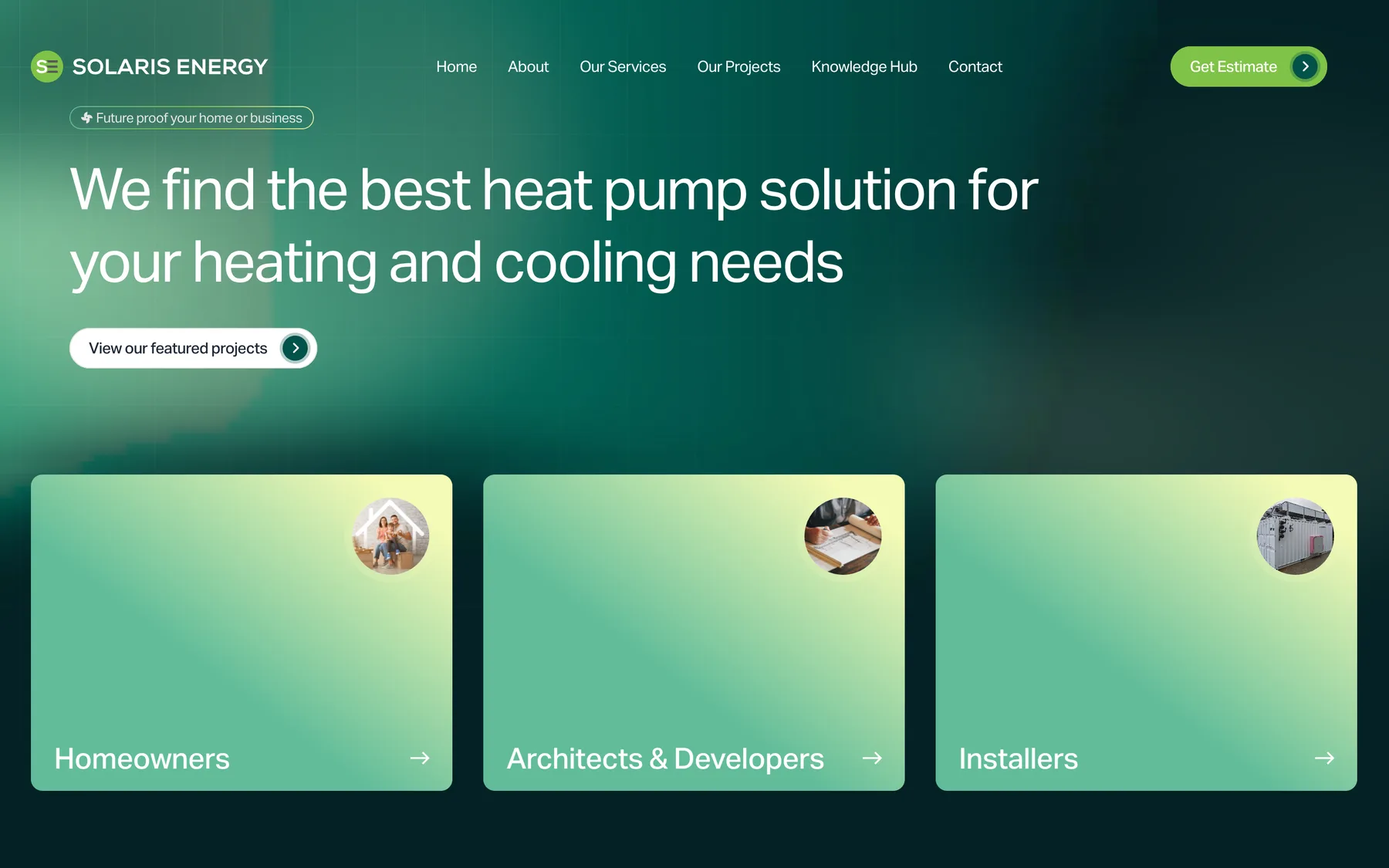
Two Statamic websites for one client: Solaris Energy, who design and install heat pumps across the South East, and KronoHP, the UK distributor of Kronoterm heat pumps. Solaris’s site turns a homeowner’s answers into a costed estimate by running them through the company’s own pricing spreadsheet. KronoHP’s helps installers specify, find and sell Kronoterm’s range.
- Client
- Solaris Energy Ltd and its sister company KronoHP
- Sector
- Heat pump design, installation and distribution
- Engagement
- Solaris Energy since 2024, KronoHP since 2025
- Scope
- Two websites, an estimate tool, a product catalogue, an installer finder, ongoing support
- Platform
- Statamic on Laravel, edited by the client’s own team
Overview
An installer and a distributor, under one roof.
Solaris Energy design, install and service air, ground and water source heat pumps from Canterbury, for homes, developers and commercial sites across Kent, Sussex, Surrey and London. Its sister company, KronoHP, brings the Slovenian manufacturer Kronoterm’s range to the UK and supplies the installers who fit it.
The two businesses talk to different people. Solaris’s visitors are mostly homeowners asking what a heat pump would cost them. KronoHP’s are installers, architects and specifiers who need a datasheet, a spec table and someone local to fit it.
We rebuilt the Solaris site on Statamic in 2024 and started KronoHP from a copy of that codebase in 2025. Since then each has grown its own design and tools, and we look after both.
- Formulas in the spreadsheet behind every estimate
- 231
- Recalculated for each enquiry
- UK postcode areas with their own climate data
- 124
- Design temperature and degree days
- Page-builder blocks across the two sites
- 48
- 31 for Solaris, 17 for KronoHP
- Kronoterm products, each with its own page
- 75
- Every section editable in the CMS
Solaris Energy
A local installer, with a national track record.
The Solaris site has to reassure a homeowner who has never met a heat pump and impress a developer who has fitted dozens. It leads with the work: air, ground, water source and swimming pool heat pumps, commercial plant rooms, and an award-winning mobile energy plant built for John Sisk & Son at Wembley Park.
Pages are built in Statamic from 31 blocks, from service carousels and FAQs to a process timeline and an accreditations strip, so Solaris’s team add landing pages and case studies without us.
- Services for homeowners, developers, commercial clients and installers
- A map of 88 completed projects, filterable by type and heat source
- A knowledge hub of FAQs, tips and troubleshooting, with search
- Local landing pages for ten Kent towns
- Stripe payment links, so the team can take a payment by sending a URL
The estimate tool
A heat loss calculation, from a three-minute form.
Solaris already priced heat pumps with a detailed Excel workbook. Rather than rewrite their engineering in code, we made the website use the spreadsheet itself. A homeowner answers questions about their home; the workbook does the sums.
-
01
Start from the header
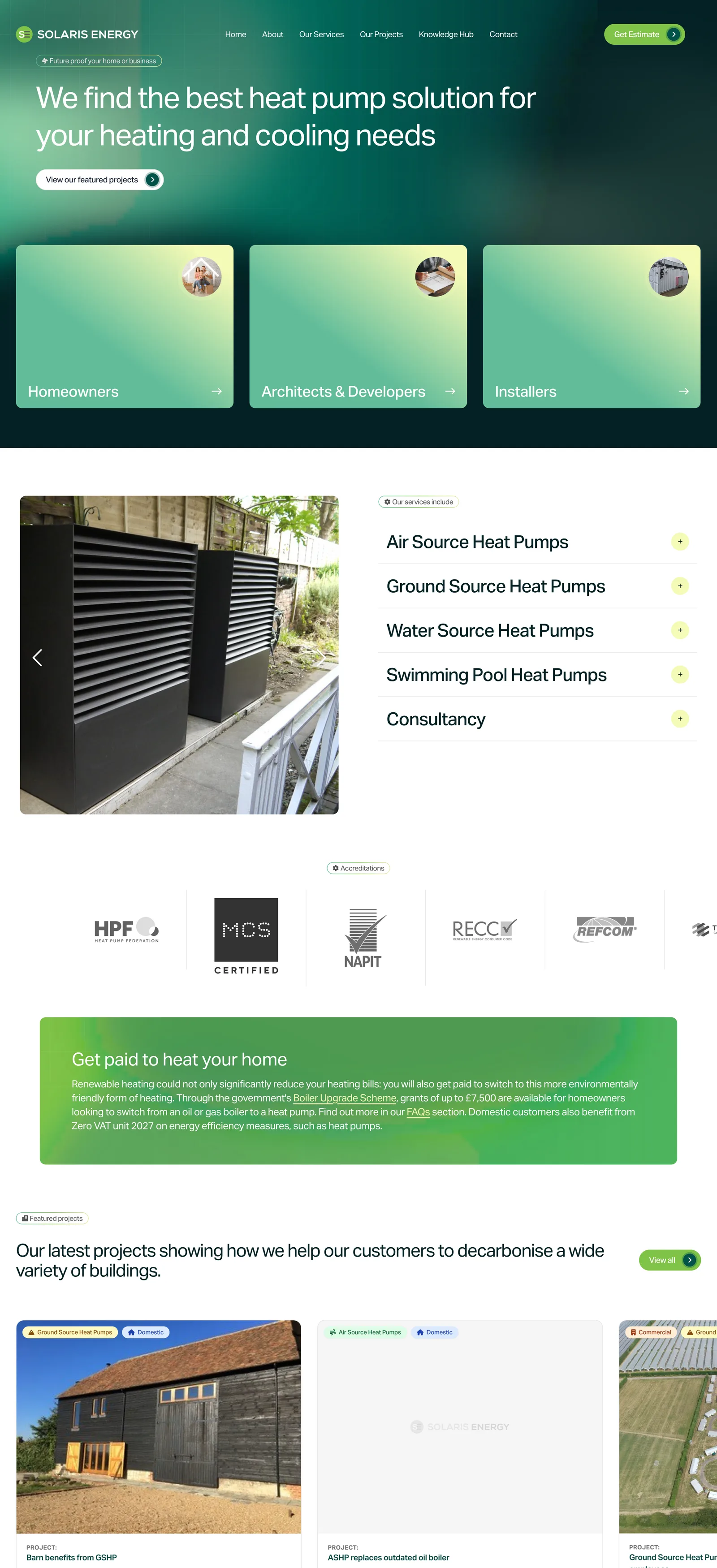
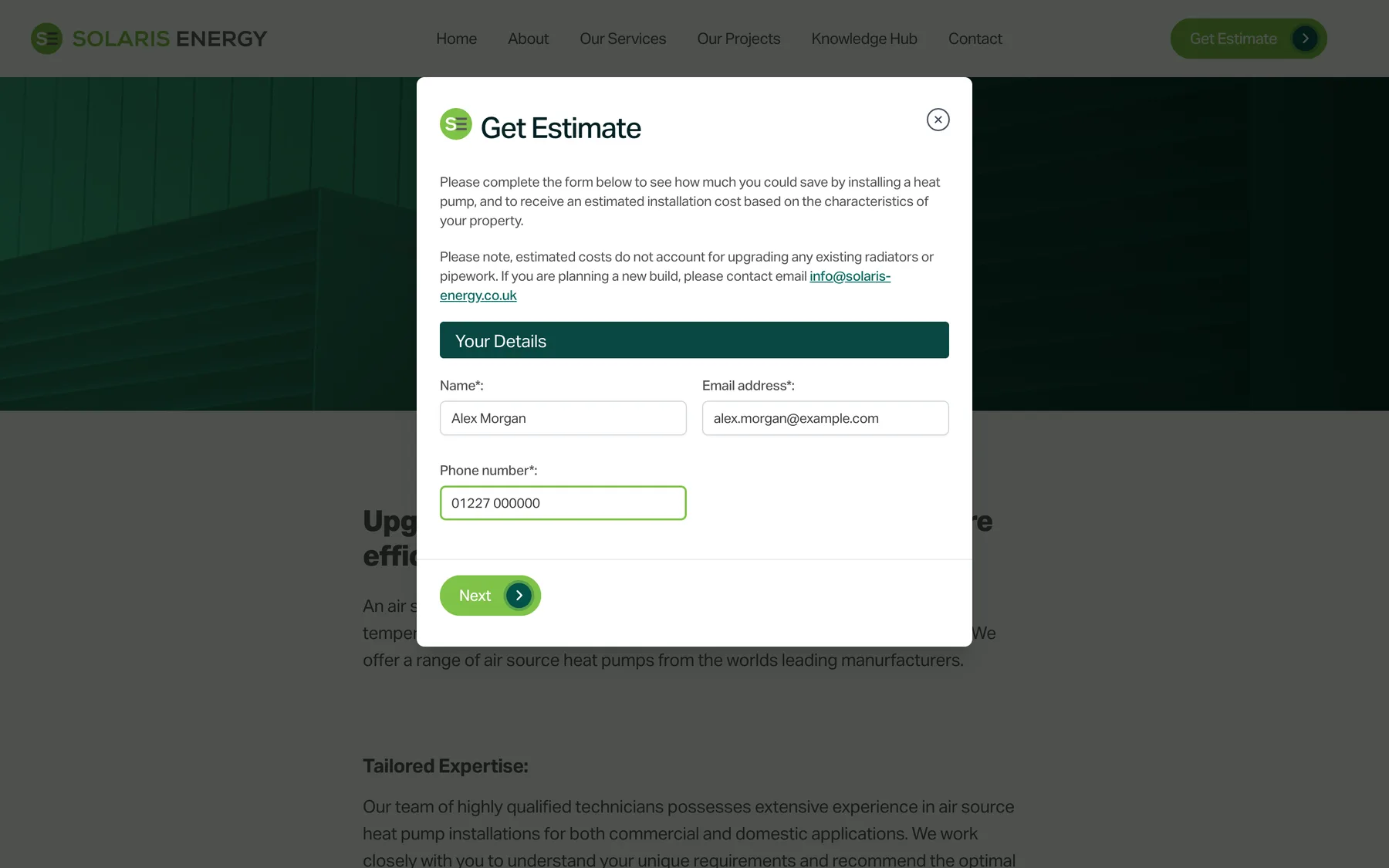
The Get Estimate button sits in the header of every page and opens the form over whatever the visitor is reading. It is a three-step Livewire wizard, and each step is checked before the next one opens.
- Name, email and phone first
- Validation step by step, with nothing lost going back
- A staff mode for estimates taken over the phone
-
02
Questions an engineer would ask
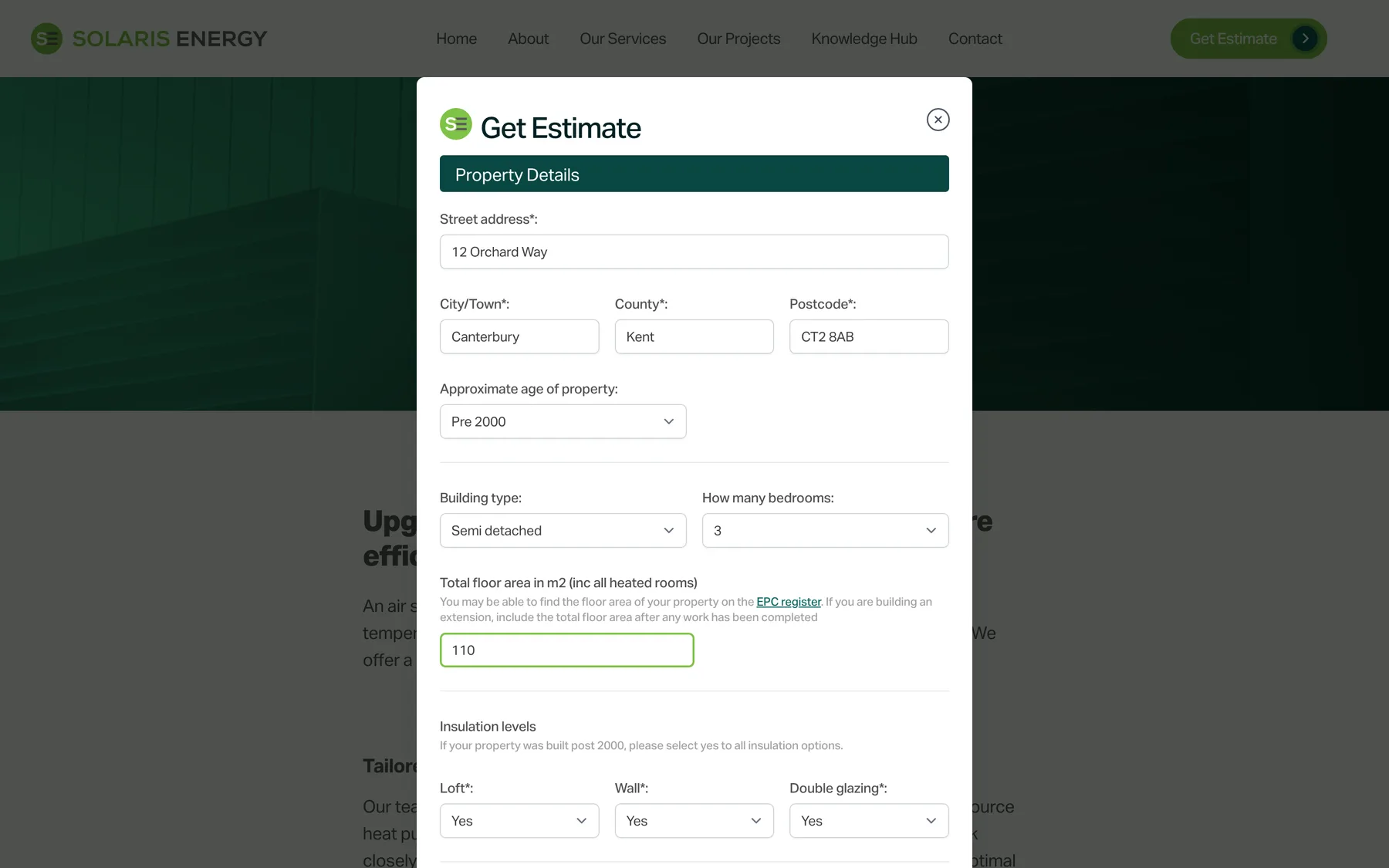
The property step asks for the details a heat loss survey starts with: age, type, bedrooms, floor area, insulation, current fuel, power supply and how the home is heated. A link to the EPC register helps people find their floor area.
- Nineteen fields in all
- Air source or ground source
- Radiators, underfloor heating or fan convectors
-
03
The spreadsheet does the sums
On submit, the site opens a fresh copy of Solaris’s workbook, writes the answers into ten input cells and lets its formulas run. The postcode sets the climate, insulation and build year set the heat loss, and the heat load picks a price band, less the Boiler Upgrade Scheme grant.
- Calculated with PhpSpreadsheet, formulas and all
- Design figures, loads and a price range read back out
- Saved as an entry Solaris can open in the CMS

-
04
An estimate worth keeping
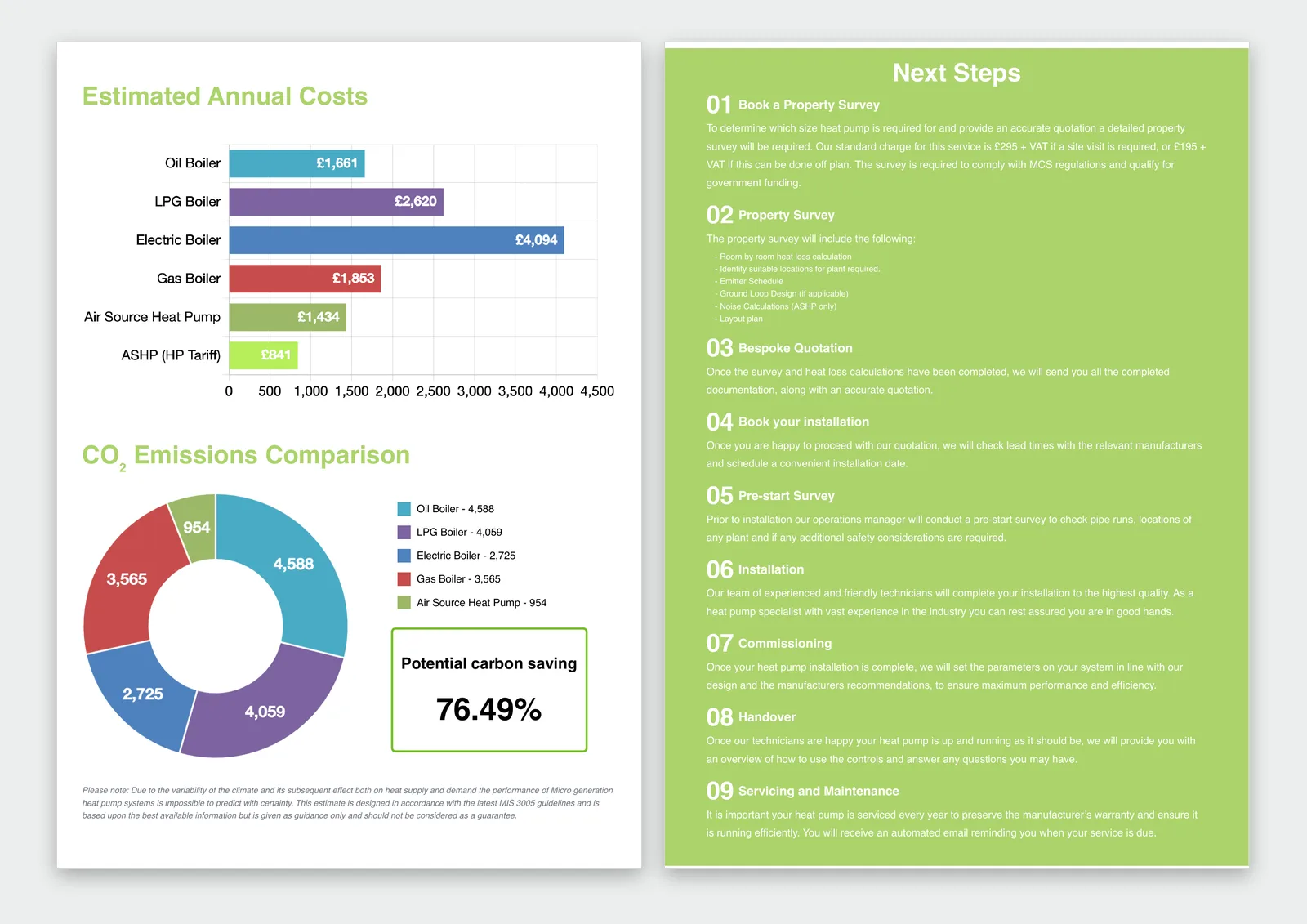
The answer is a branded, fourteen-page estimate rendered to PDF by headless Chrome: running costs against every fuel, a carbon comparison, the next steps, the grants available and why Solaris work the way they do.
- Charts drawn in the browser, then fixed for print
- Annual cost and CO₂ for oil, LPG, gas, electric and heat pump
- Emailed to the homeowner and to the Solaris team
Behind the form
The engineering stays in Excel. The website runs it.
Solaris’s team keep their prices up to date in the CMS. Everything between a homeowner pressing submit and an estimate arriving happens on its own.
- People · 2
- Automated · 4
-
People
Solaris update their prices
Five energy unit prices and seventeen installation price bands live on one page in the CMS. When it is saved, the site writes the new figures into the spreadsheet’s own cells.
-
People
A homeowner describes their home
Three steps, nineteen fields, no account to create. Each step is checked before the next one opens.
-
Automated
A fresh copy of the workbook opens
Every estimate starts from the current spreadsheet with its calculation cache cleared, so a price change made a minute ago is already counted.
-
Automated
Ten cells in, the formulas run
Postcode, building, insulation, fuel, emitters and supply go in. Out come the design temperatures, heat load, yearly energy use, running costs per fuel and a price range.
-
Automated
The enquiry is filed
Answers and results are saved as an entry in the CMS, with insulation as simple toggles, so the team can see every estimate in one list.
-
Automated
The estimate goes out
The homeowner gets their estimate by email. Solaris get the full details, ready for the call that books a survey.
KronoHP
A distributor’s site, built for the trade.
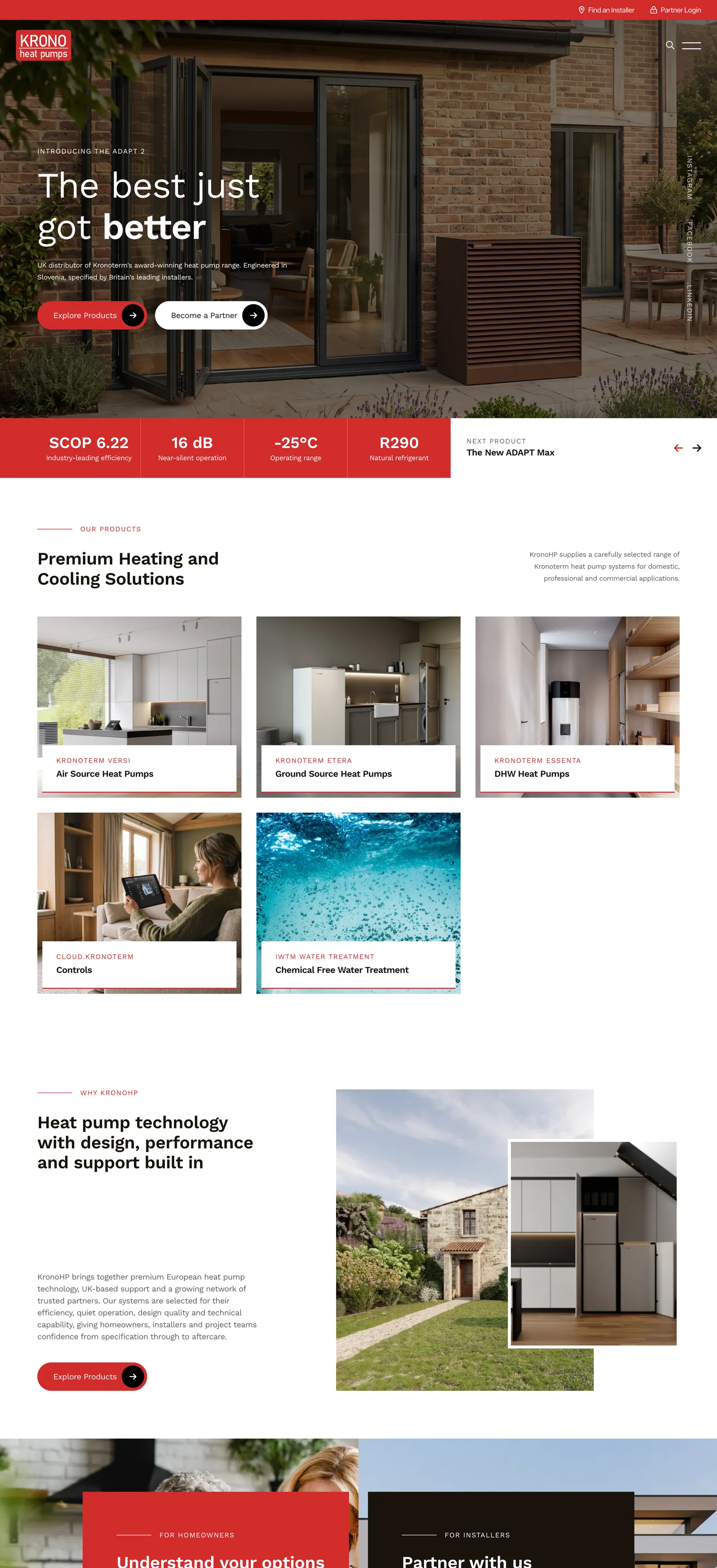
KronoHP launched in 2025 as the UK home of Kronoterm, a family heat pump maker founded in Slovenia in 1976. In 2026 we rebuilt it on a new design, page by page, from Figma, with editable sections throughout and a hero that leads with the numbers installers care about.
The site speaks to four audiences, each with its own page: homeowners, installers, architects and specifiers, and commercial clients. Search reads the content directly, so it is never out of date.
- Six product categories and ten ranges, from domestic air source to 140 kW commercial units
- A knowledge hub with editors’ picks and a library of downloadable guides
- Case studies, news and a fifty-year heritage timeline
- A Become a Partner application for installers
- A heat pumps mega menu across the whole range
Product pages
Everything a specifier needs, in the order they need it.
Every product page is built from fifteen tabs in the CMS, each one a section of the page. Leave a tab empty and its section quietly disappears, so a new product never shows a gap.
-
01
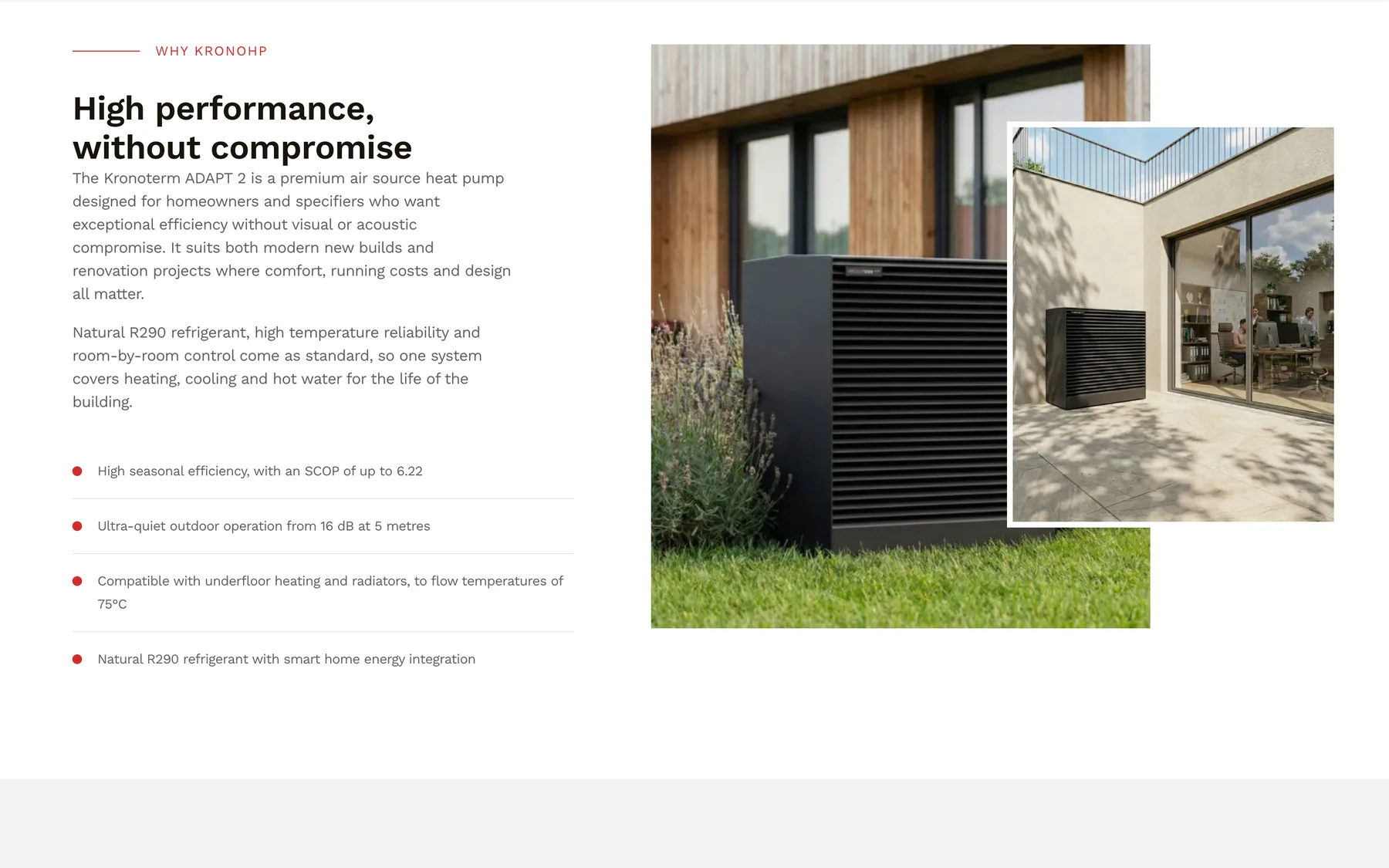
The case in a paragraph
An overview pairs the selling points with two overlapping photographs. During the client’s review we added a per-product switch to move the second image, so each product photographs at its best.
- A key-points checklist
- Hero and stats bar on every product
- Fallbacks so a half-finished product still looks finished
-
02
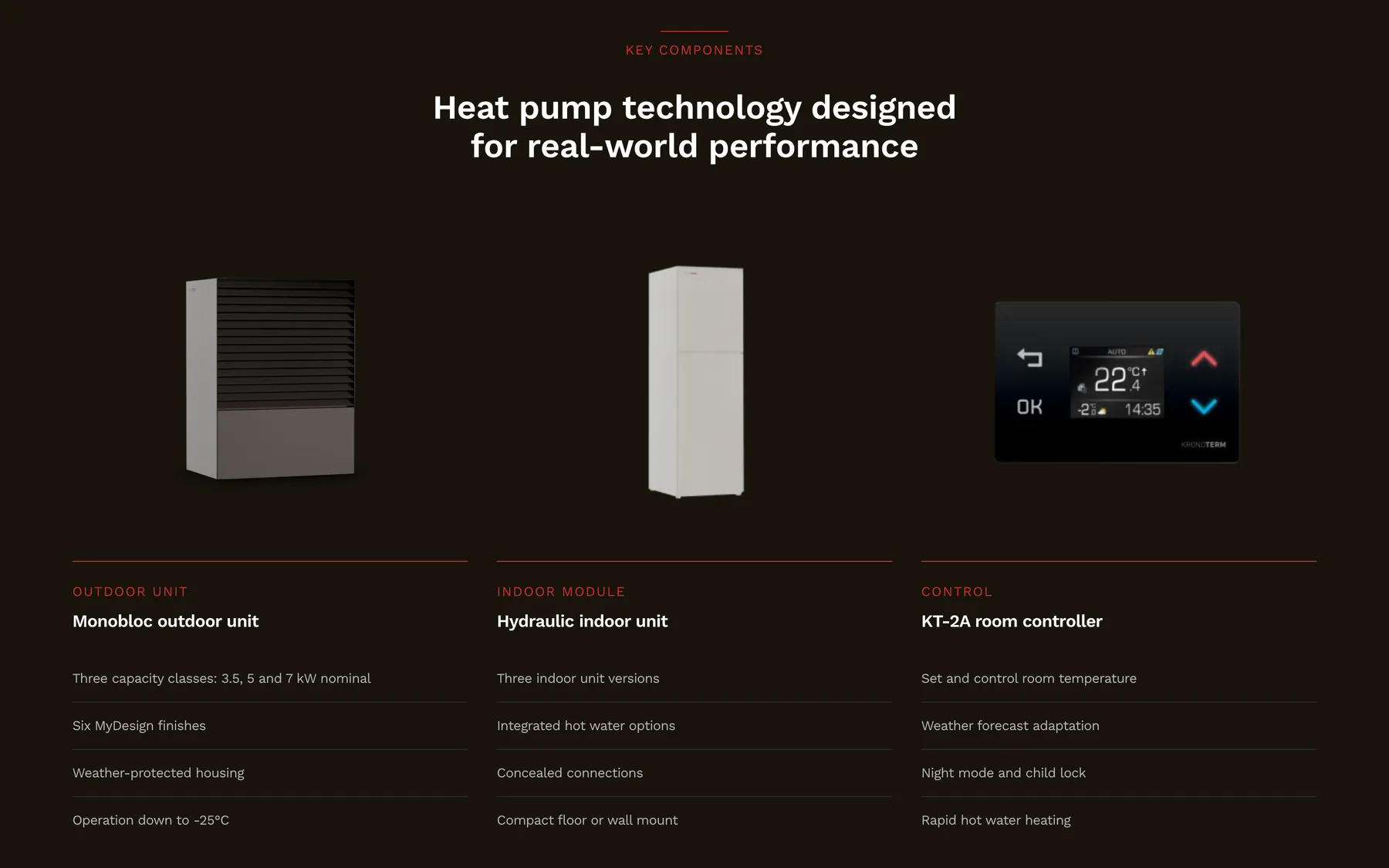
What is in the box
A dark band breaks the system into its parts, with a render and the key lines for each. Here, the outdoor unit, the indoor hydraulic module and the room controller.
- Up to four components per product
- Product renders on a dark background
- Short spec lines under each
-
03
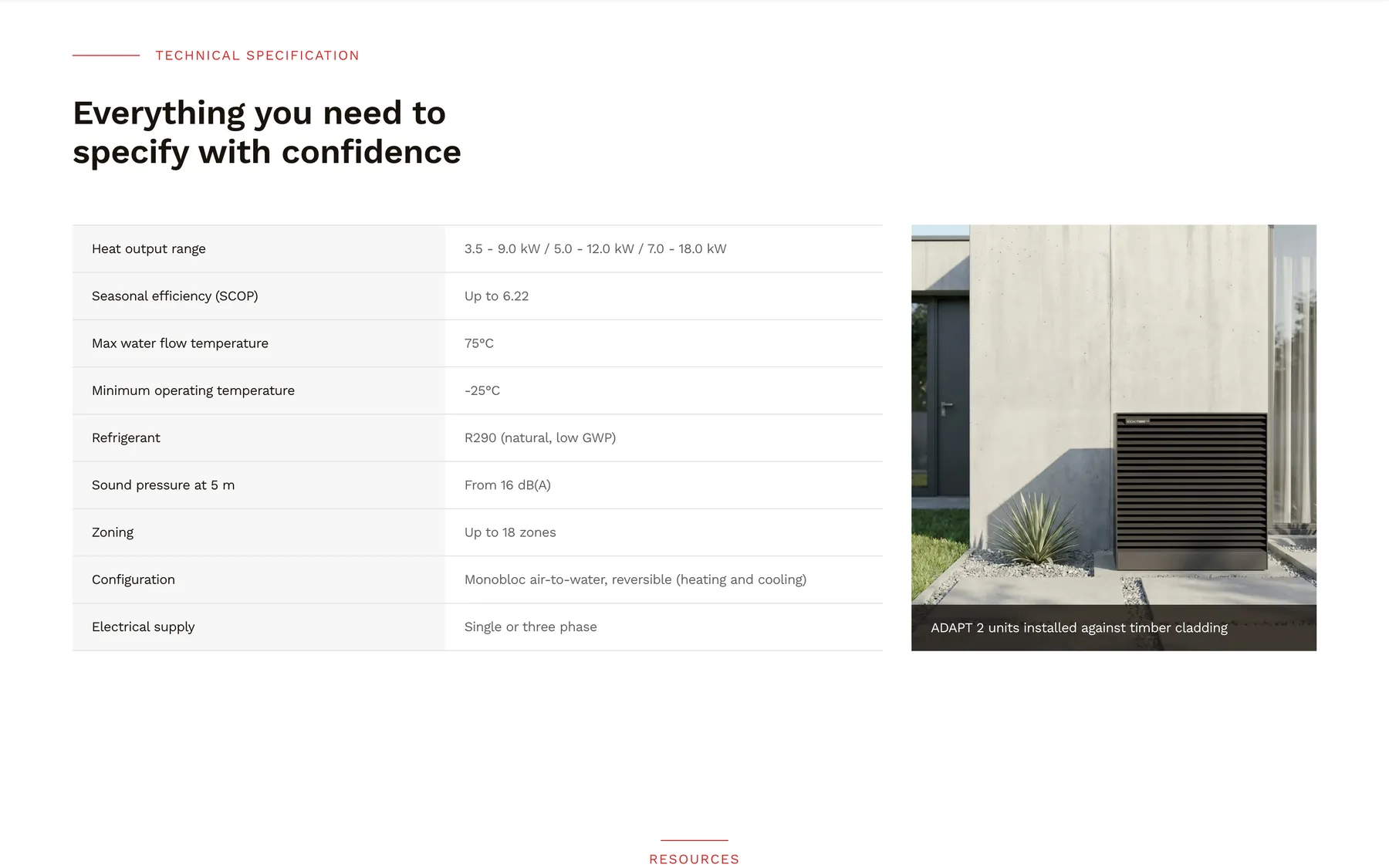
The numbers, in a table
Output range, efficiency, flow temperature, refrigerant, sound pressure and supply sit in a plain two-column table, beside a photograph of the unit installed.
- Edited as rows in the CMS
- Captioned installation photo
- Readable on a phone on site
-
04
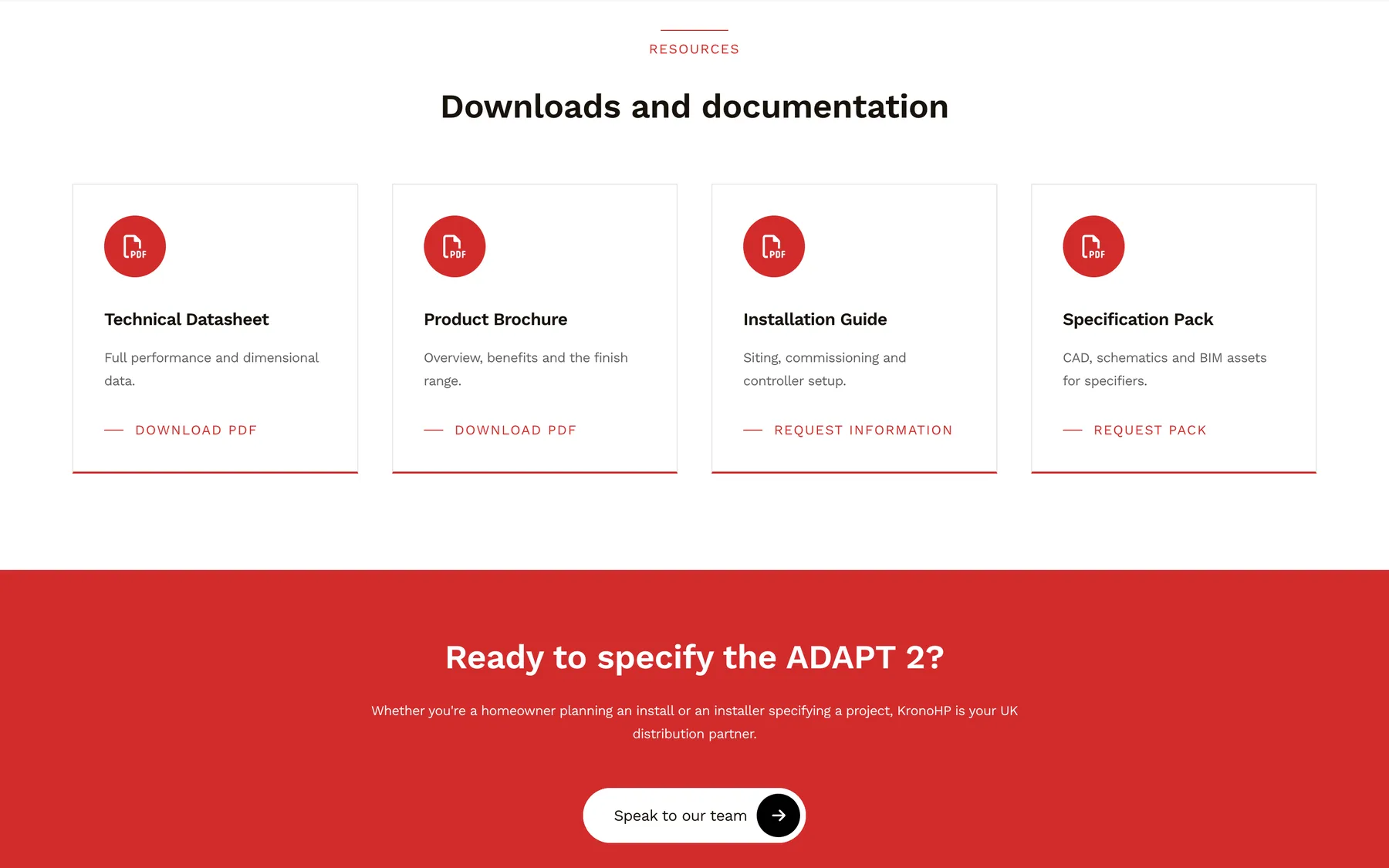
Downloads, and a next step
Datasheet, brochure and installation guide download from the page. Anything not yet published, like a CAD and BIM pack, becomes a request to the team instead. The closing band writes its own heading from the product name.
- Up to eight download tiles
- Tiles without a file or link are hidden
- “Ready to specify the ADAPT 2?”
The installer network
Find an installer. Become one.
KronoHP sells through installers, so the site works hard for them: it sends them customers, recruits new partners and gives the trade the documents they ask for most.
Installer finder
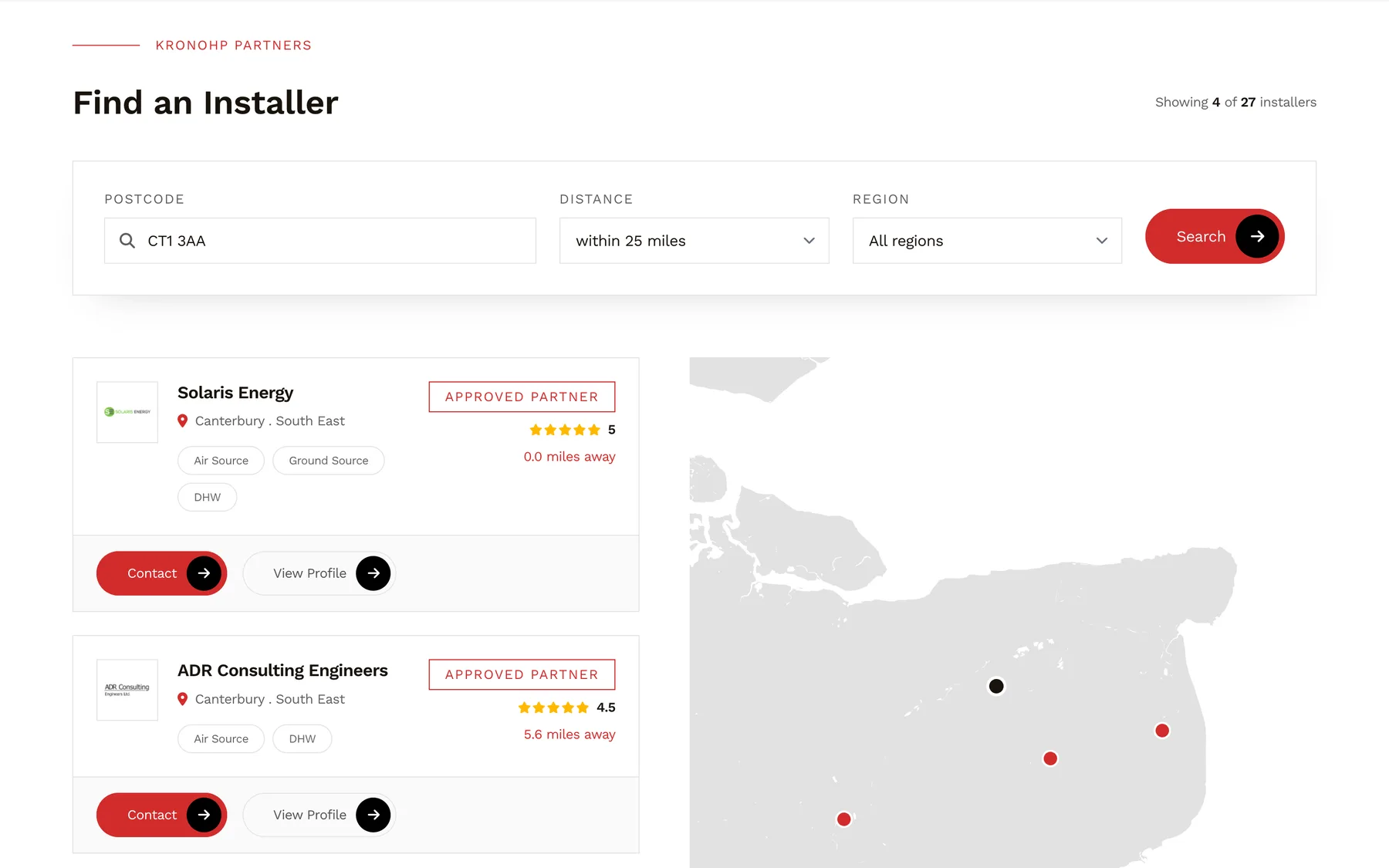
The nearest partner, by postcode
A homeowner enters a postcode and a distance, or picks a region. Partners are ranked by distance, premium partners first, and shown on a map styled to match the site. If nobody is close enough, the nearest five are shown rather than nothing.
- Partners are placed on the map automatically when their postcode is saved
- Every partner gets a profile page
- Enquiries go straight to that installer
Partner programme
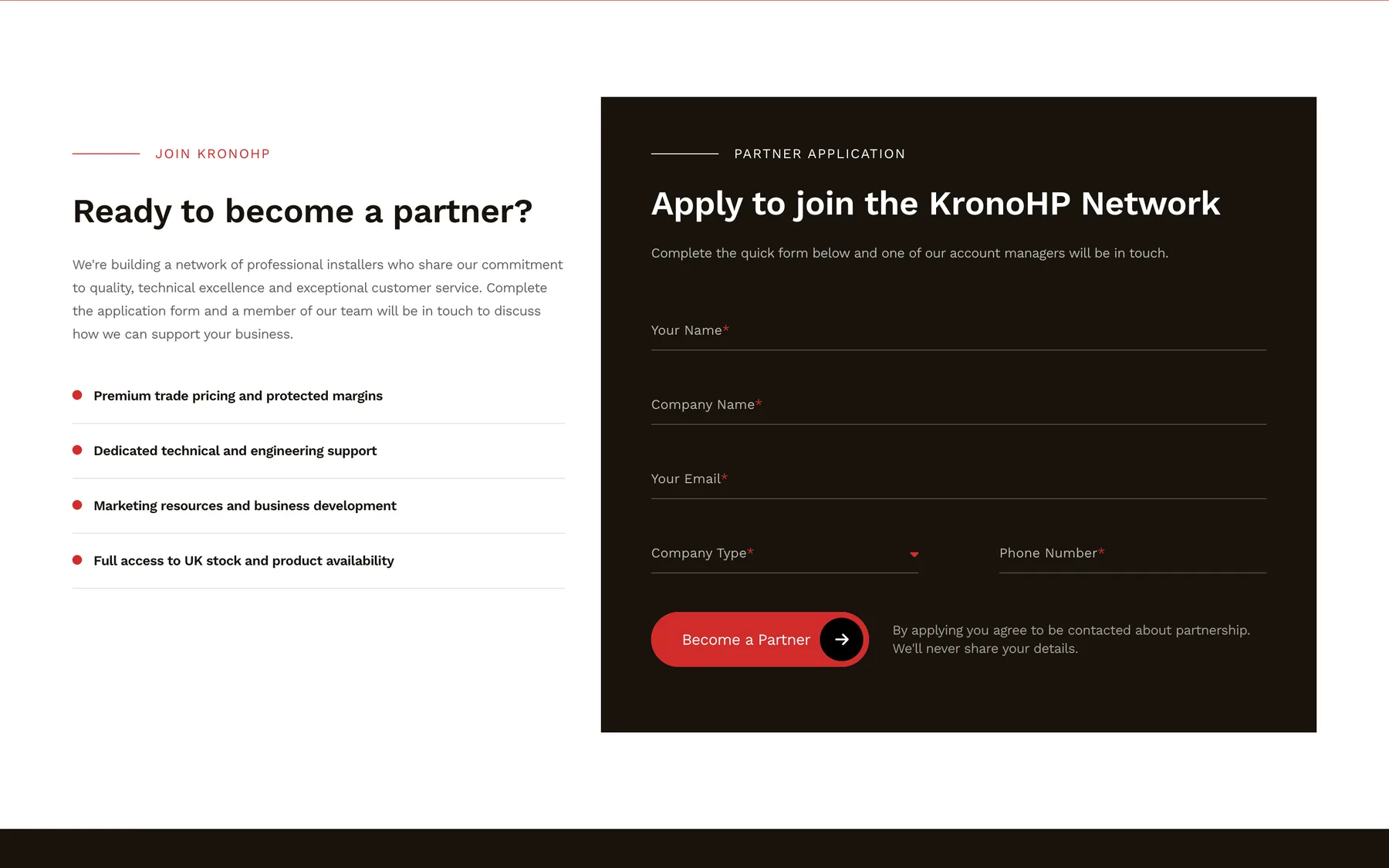
Recruiting from the page
The installers page makes the case for joining, then puts the application form beside it. The form is a reusable block: the team can drop any form onto any page, with its own heading, steps and success message.
- Applications reach the partner team, with reply-to set to the applicant
- Spam filtered without a puzzle
- Linked from Become a Partner buttons site-wide
Guides & downloads
A library, not a list
Guides, brochures and technical documents filter by keyword, topic, product and format as you type, with more loading on demand. Every guide is still a real page in the HTML, so search engines can find it.
- Faceted search with no page reloads
- Each guide has its own page and PDF
- Editors’ picks on the knowledge hub

Enquiries
Every form, to the right inbox.
A distributor gets very different messages: homeowners wanting a fitter, installers wanting to join, partners reporting a fault. Each KronoHP form is routed where it can be dealt with fastest.
-
A homeowner contacts an installer
From the installer’s profile page: what they are interested in, their postcode and a message.
Sent to That installer’s inbox With a copy to KronoHP
-
An installer applies to join
Company, company type and contact details, from the Become a Partner form.
Sent to The partner team Reply goes straight to the applicant
-
A partner raises a service claim
Device, serial number, web module ID, urgency, and photos or video of the fault.
Sent to Service team and Zapier Uploads shared as expiring links
-
Anyone gets in touch
The general contact form, with file uploads.
Sent to KronoHP’s inbox Visible on the CMS dashboard
-
No open relay
An enquiry names its installer by ID. The email address is looked up on the server, so the form can never be used to send mail anywhere else.
-
Uploads stay private
Service claim photos and videos are kept off the public web. Zapier receives signed links that stop working after a set time.
-
Seen at a glance
The CMS dashboard shows a seven-day summary of every form and the latest submissions, so nothing waits in a folder nobody opens.
Gallery
More of both sites
-
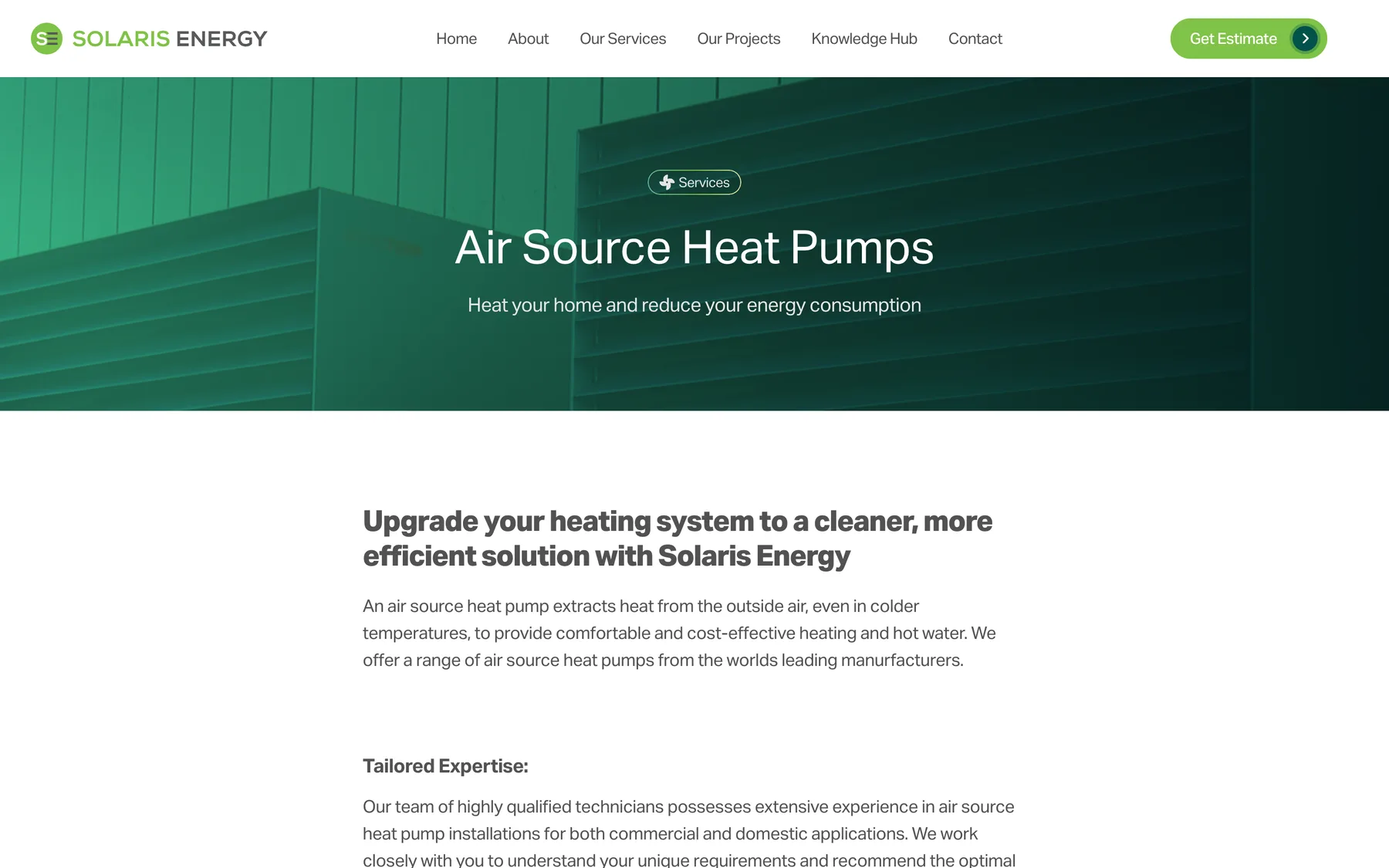
Solaris service page -
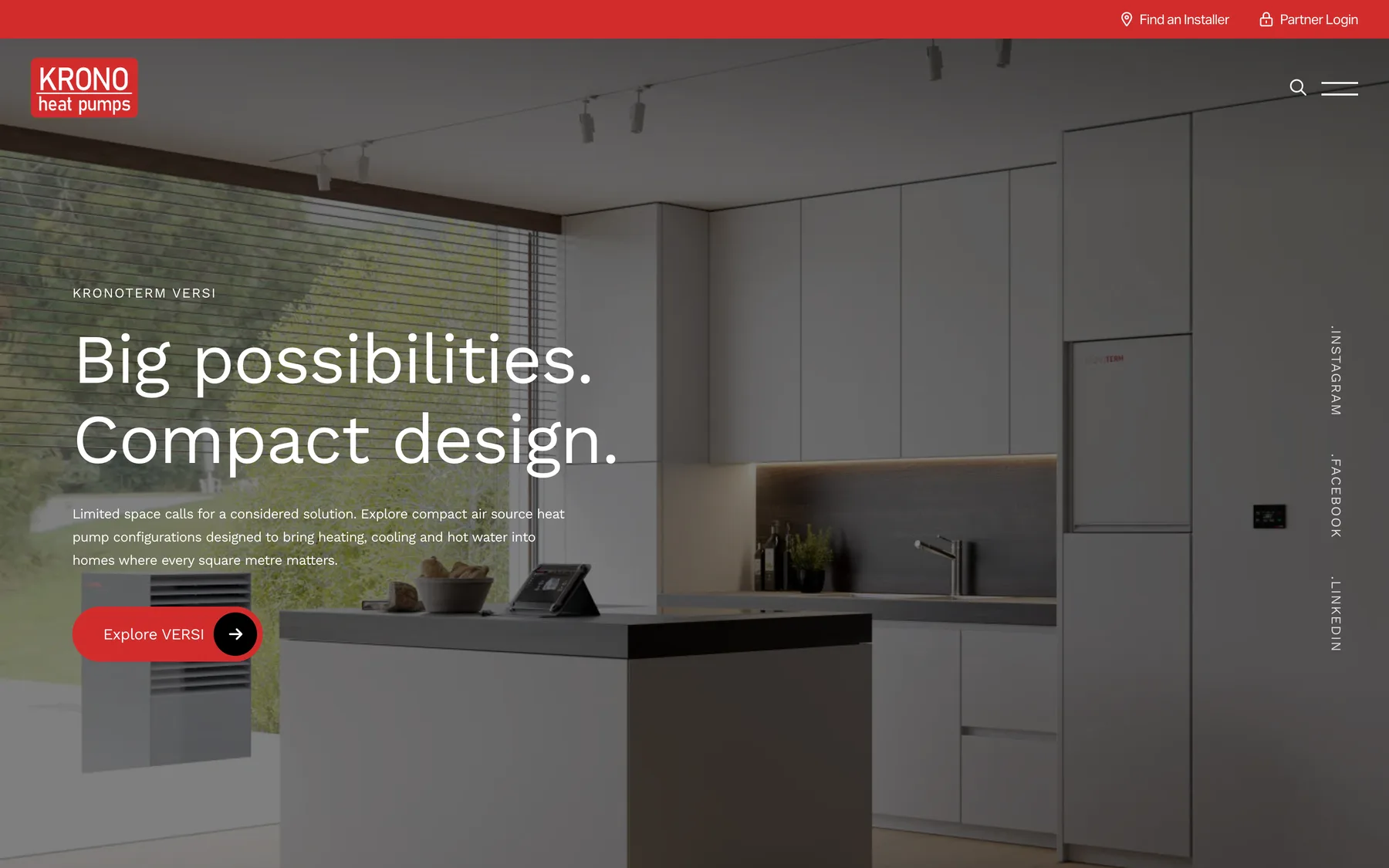
KronoHP range page -
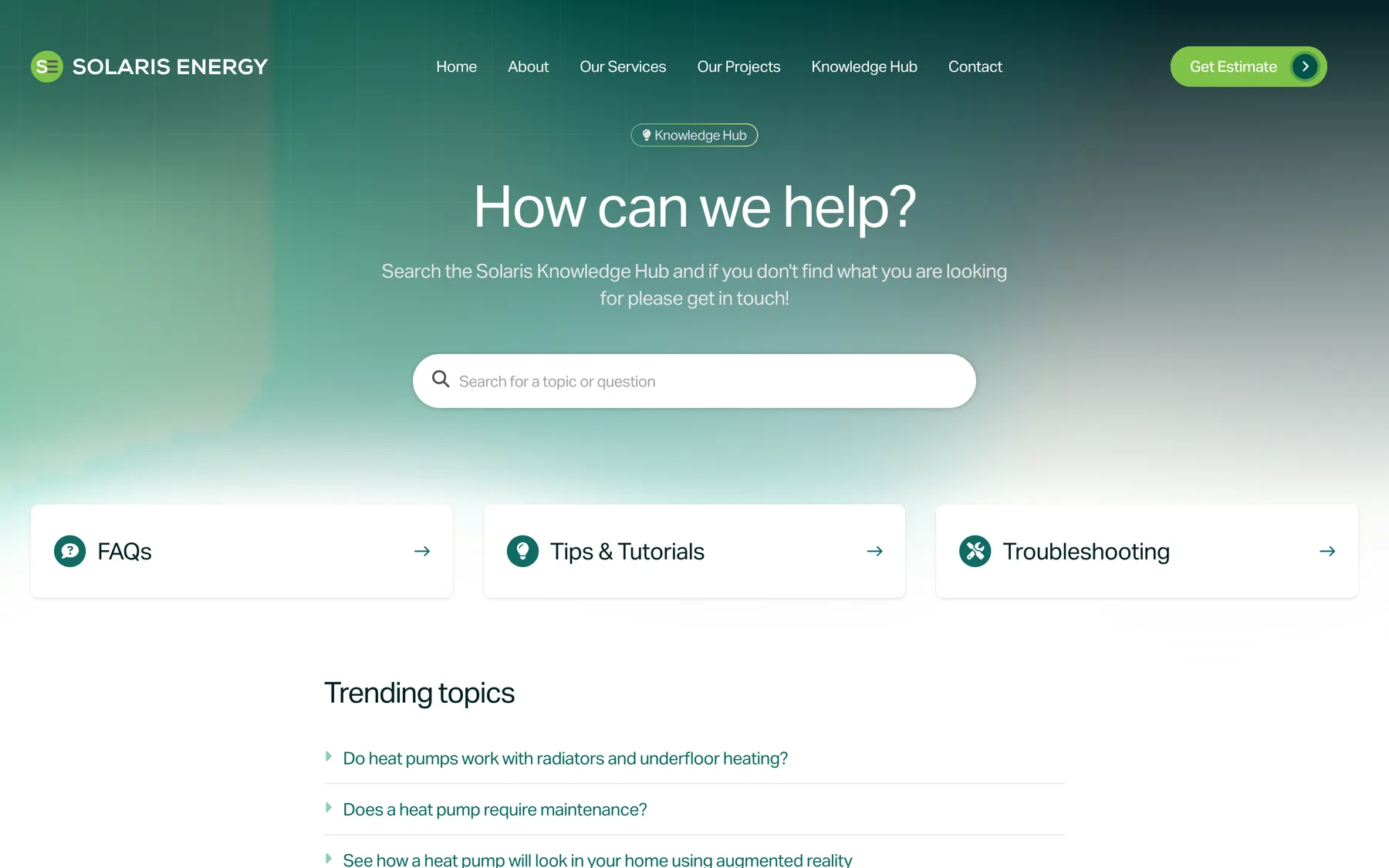
Solaris knowledge hub -
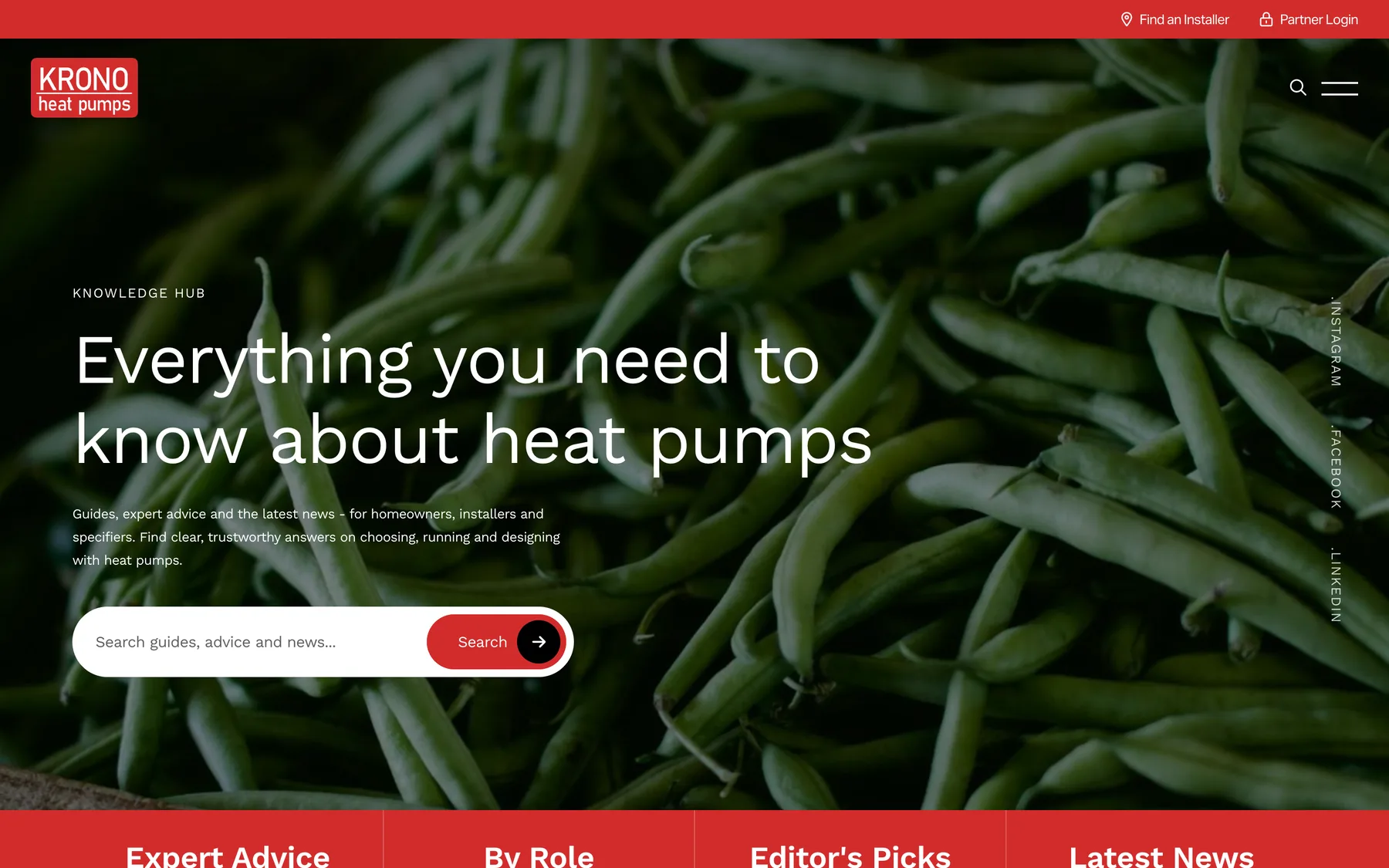
KronoHP knowledge hub -

Local landing pages -
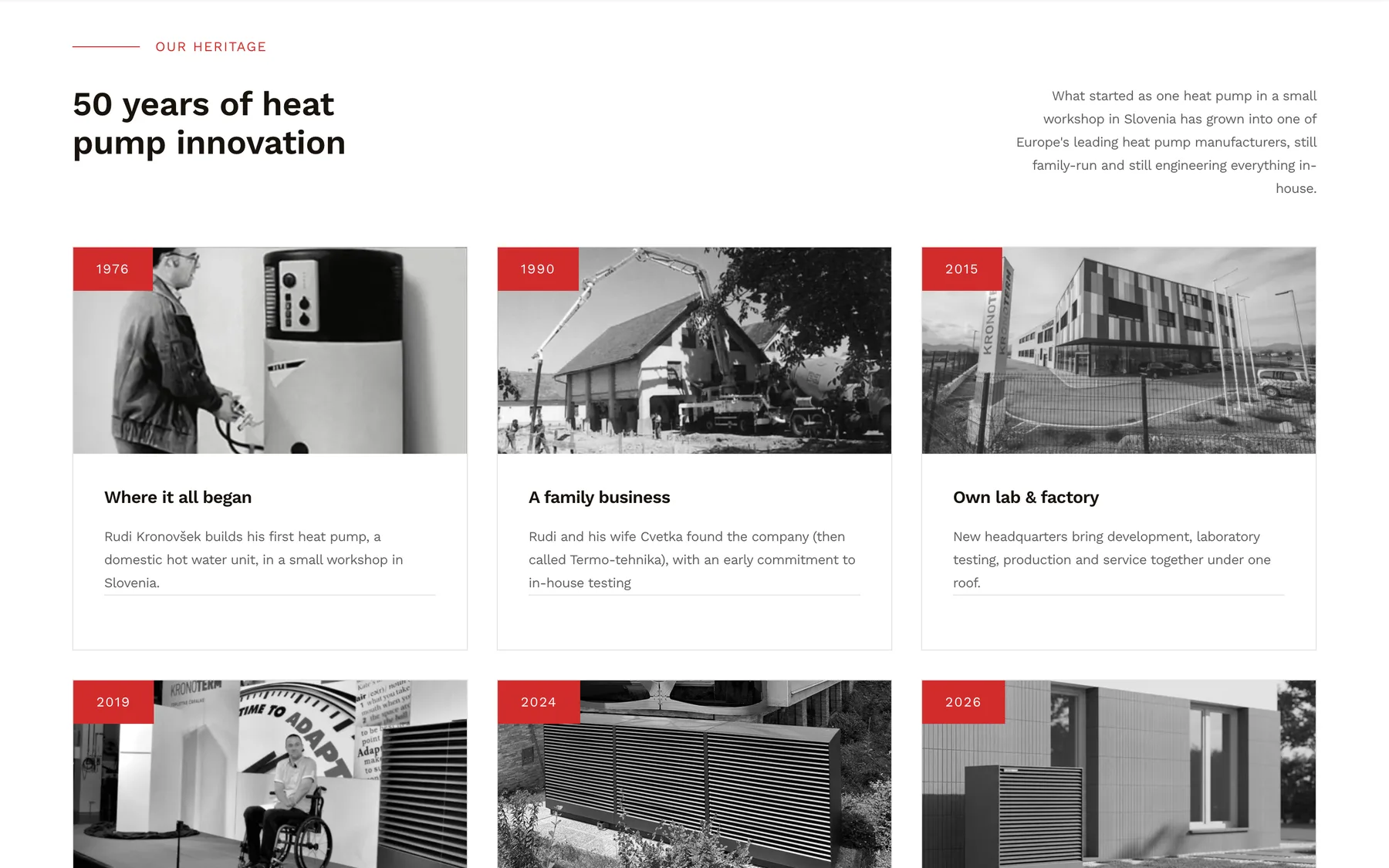
Fifty years of Kronoterm -
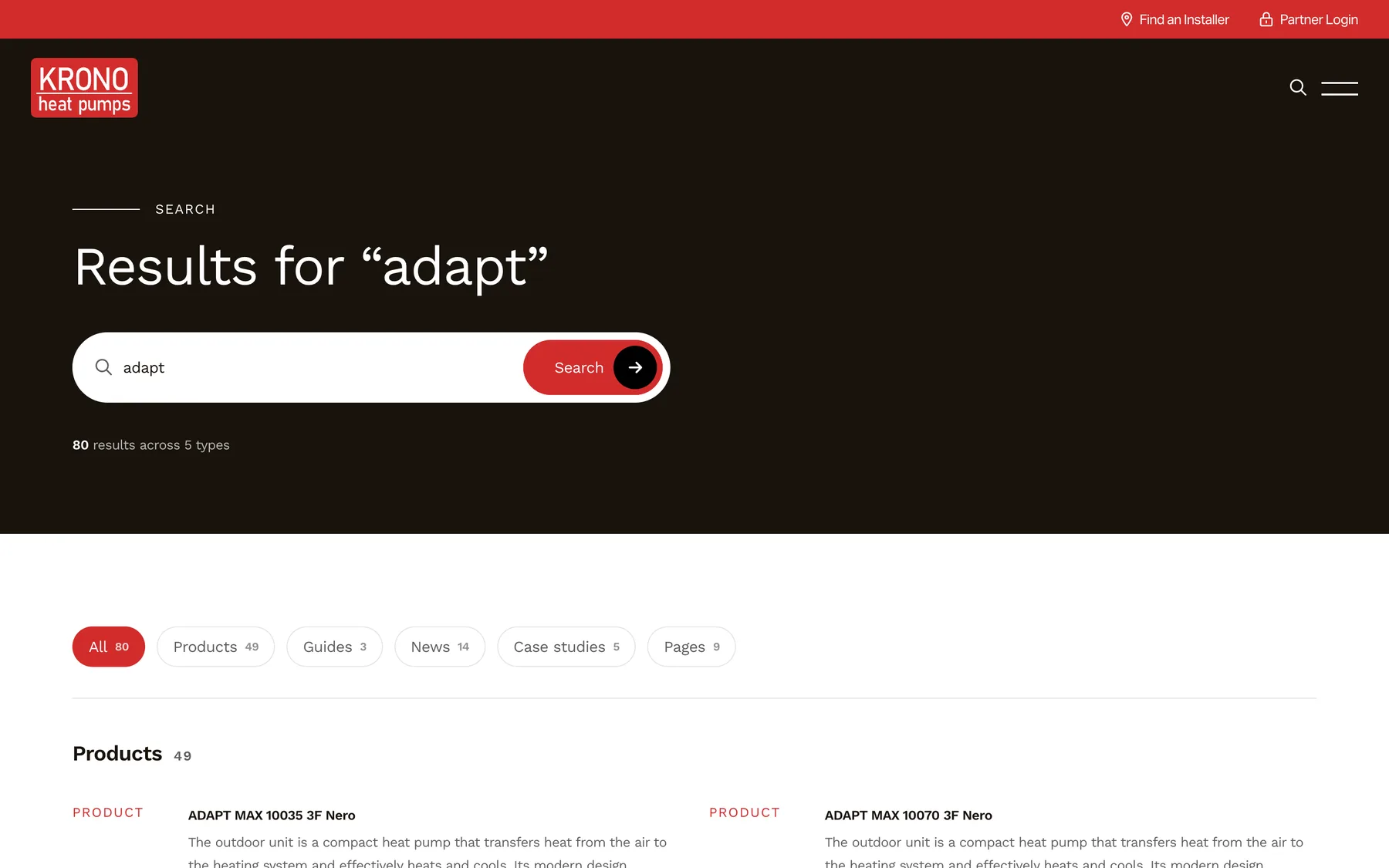
Site search
Under the bonnet
Two brands, one way of working.
KronoHP started life as a copy of the Solaris build. The sites now look nothing alike, but they share the habits that keep a small team’s websites dependable.
-
A design system in the CMS
Both sites have a component browser inside the control panel, previewing every building block with its status, so new pages are assembled from parts that already work.
-
Postcodes become pins
Save a project or an installer with a postcode and it is placed on the map automatically, with UK formats checked and the region filled in.
-
Prices without a developer
Solaris change fuel prices and installation bands on a page in the CMS. The site writes them into the spreadsheet, and the next estimate uses them.
-
Consent comes first
Our own cookie banners replaced an abandoned add-on. Analytics and live chat load only after consent, and videos only when someone presses play.
-
Problems found first
Both sites report errors and downtime to Stackwatch. A live preview bug on KronoHP was caught there, then fixed and covered by a test.
-
Kept current
In 2026 both moved to Statamic 6 in staged upgrades with tests at each step. Staging copies tell search engines not to index them.
Technology
A CMS the client runs, on a framework we trust.
Statamic stores content as files in Git, which suits two sites that share a past. Laravel underneath gives us room for the parts no CMS does out of the box.
-
Statamic
CMS
-
Laravel
Framework
-
PHP
Language
-
Livewire
Estimate wizard
-
Alpine.js
Interactivity
-
Tailwind CSS
Styling
-
REST API
Projects map
- PhpSpreadsheet
- Headless Chrome PDF
- Chart.js
- Google Maps
- postcodes.io
- Zapier
- Stripe payment links
- LeadConnector chat
- Statamic SEO Pro
- Stackwatch monitoring
Your project
Have a process that should run itself?
If your team spends its days chasing, re-keying and reminding, there is probably software to be built. We’d be glad to talk it through.